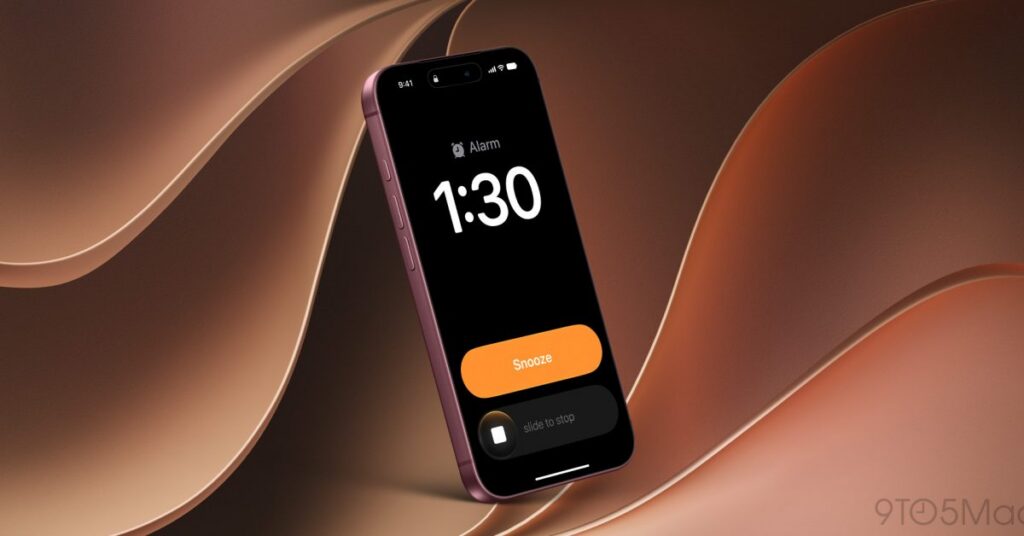
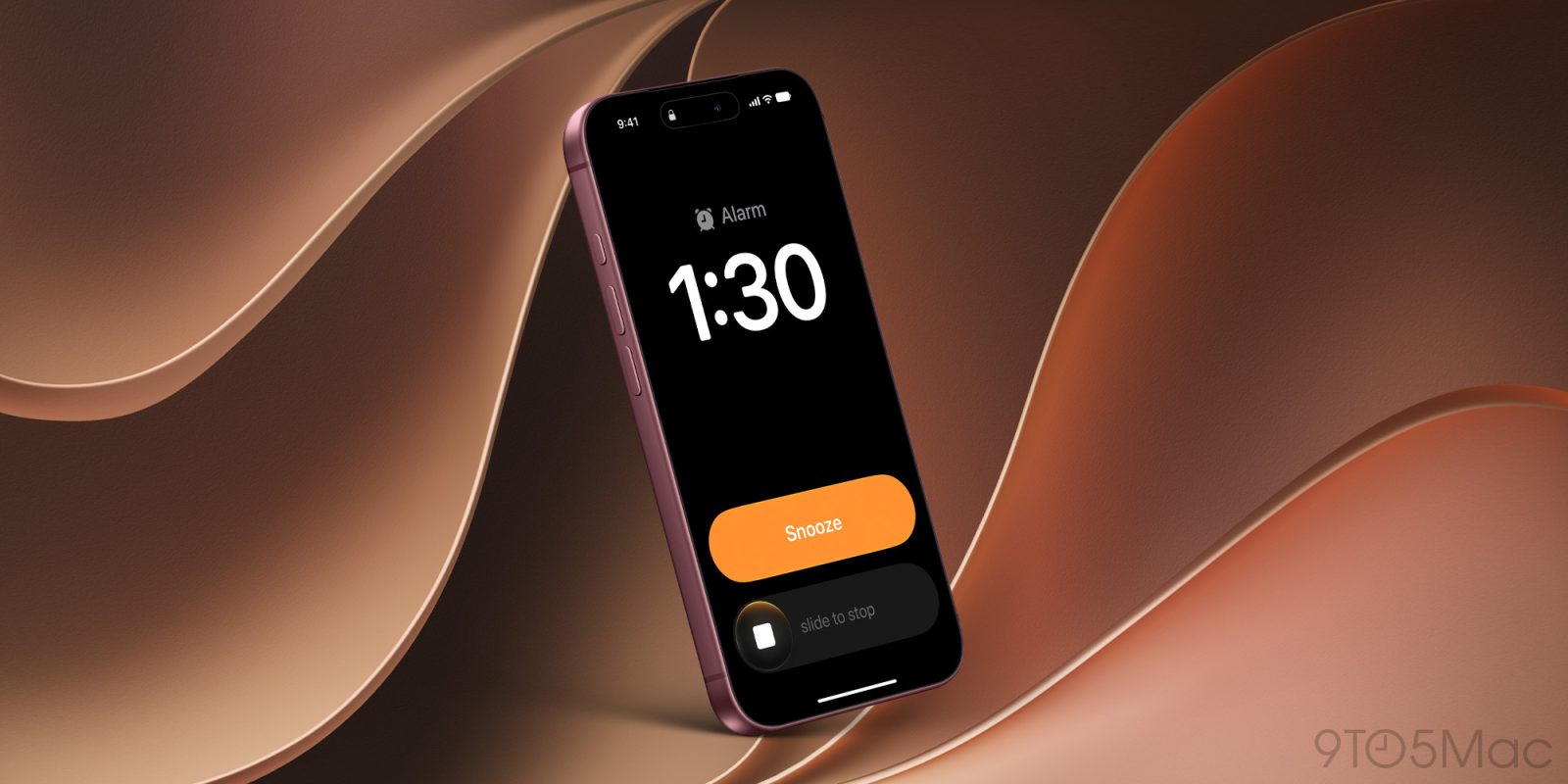
iOS 27 adds a way to adjust alarm and timer volume without changing your iPhone’s ringtone volume. The controls remain linked by default, so you need to change a setting to use the separate slider.
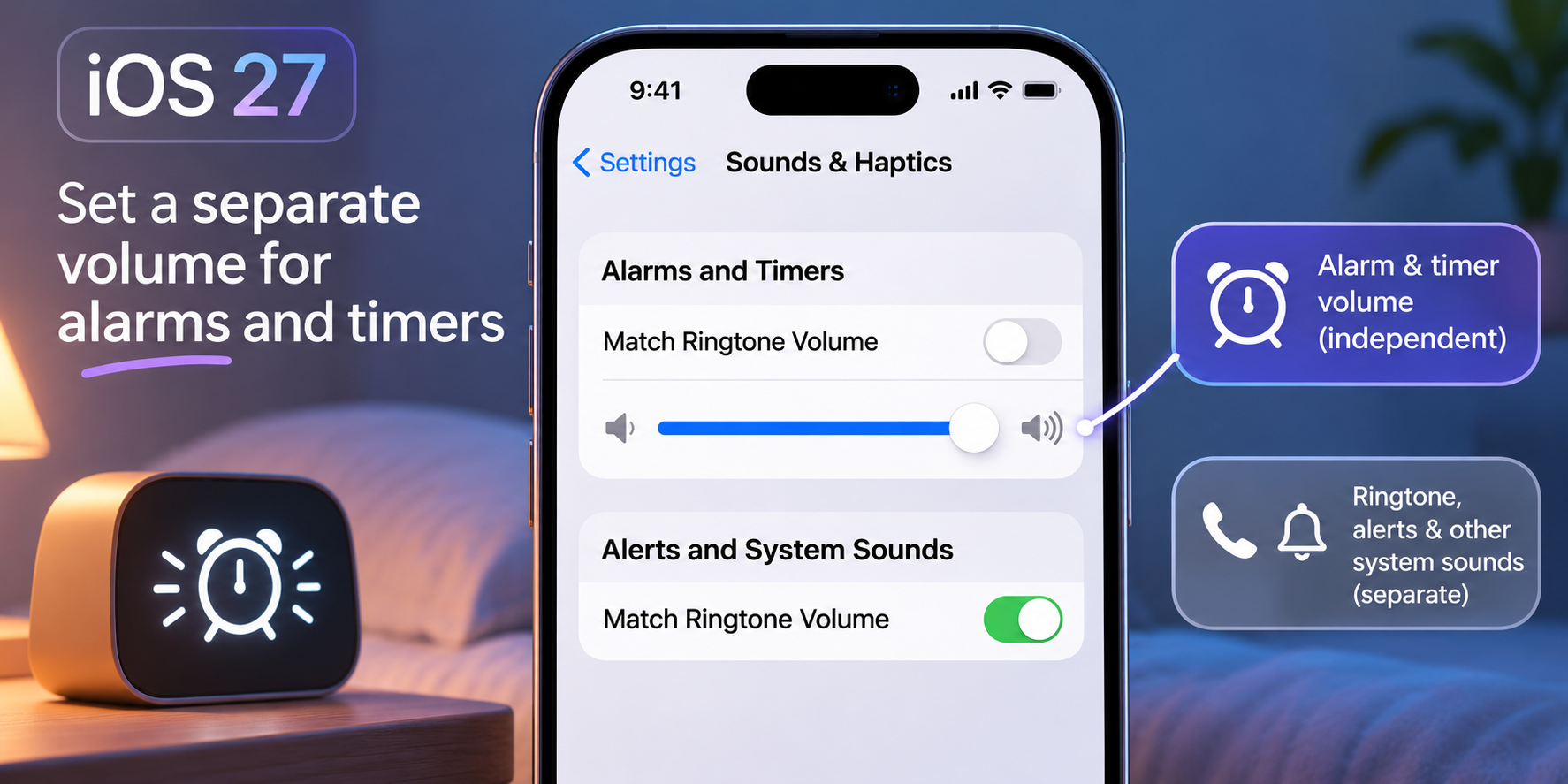
Go to Settings → Sounds & Haptics → Alarms and Timers and turn off Match Ringtone Volume. You can then set a volume for alarms and timers that won’t change when you adjust the ringtone volume.
The same screen also has an Alerts and System Sounds section. Its Match Ringtone Volume switch is on by default, as is the one for alarms and timers. Keeping those settings linked means the ringtone volume continues to determine their levels.
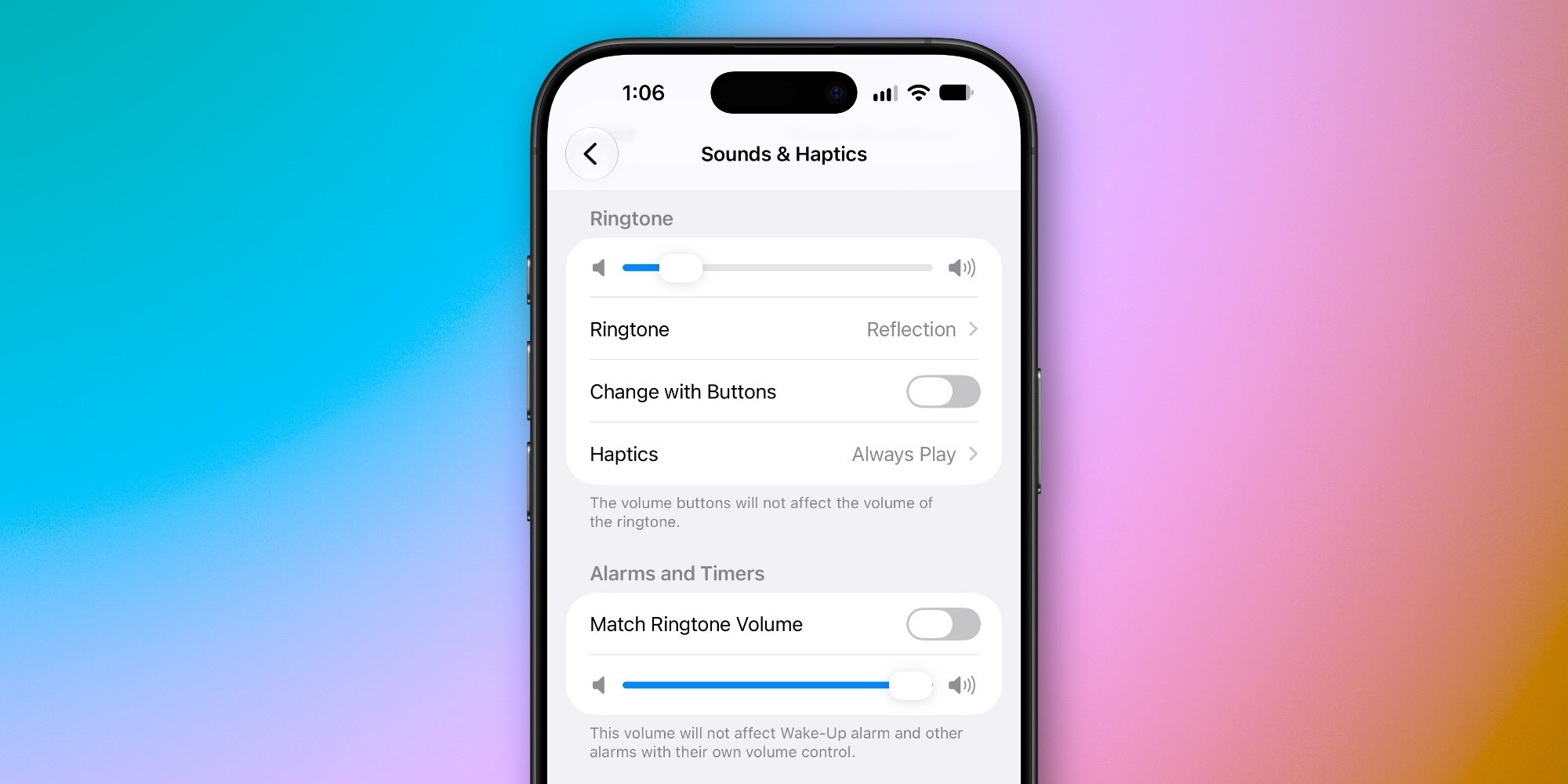
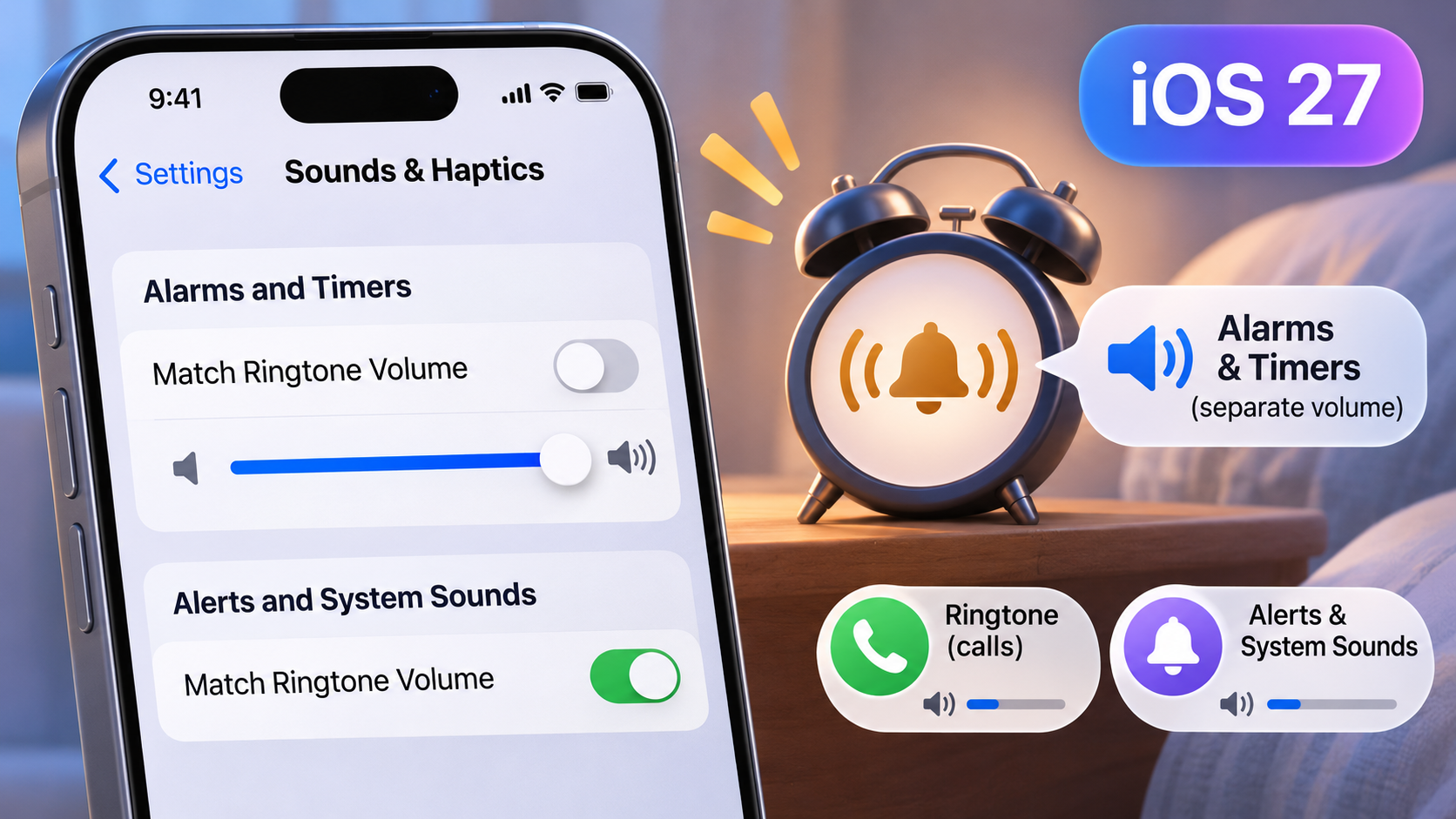
The change makes it possible to raise alarm and timer volume without raising the volume of calls and other system sounds. It does not provide separate sliders for alarms and timers.
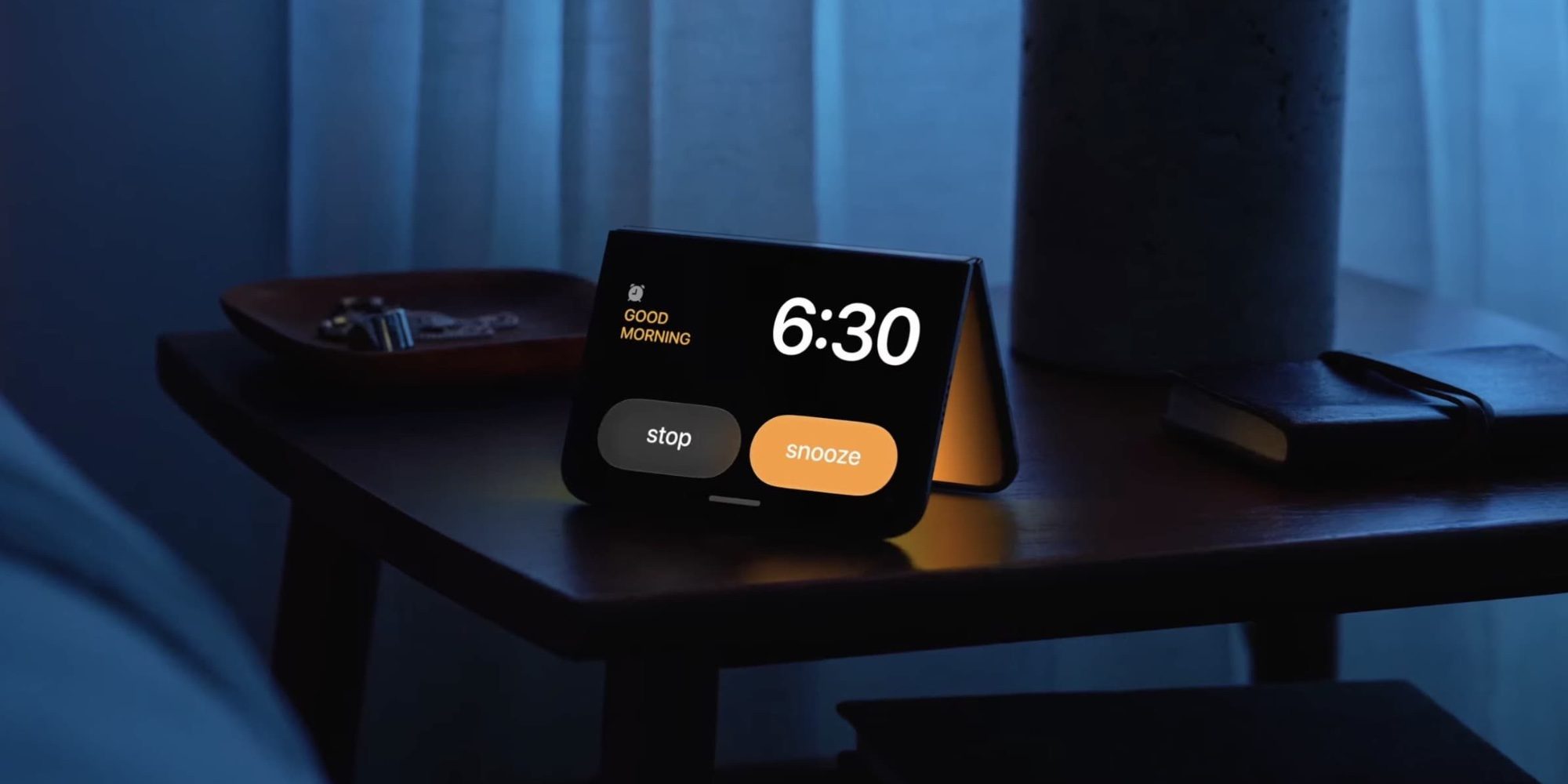
Previously, iOS 26 added custom alarm snooze durations and an option to sound alarms on the iPhone even when the user is wearing an Apple Watch.