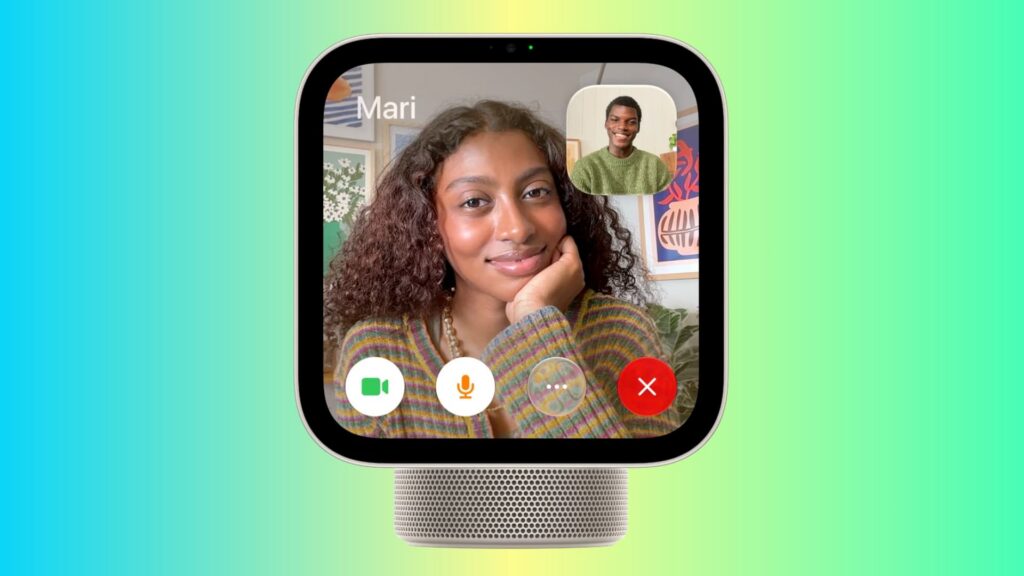
In a hands-on report published on November 18, 2026, iDownloadBlog described how to place regular phone calls and FaceTime calls from Apple’s HomeView. Regular calls use a paired iPhone’s cellular connection, so they can reach phone numbers, including those used by people with Android phones. FaceTime comes pre-installed; the report says third-party calling apps such as WhatsApp and Zoom were not available on HomeView.
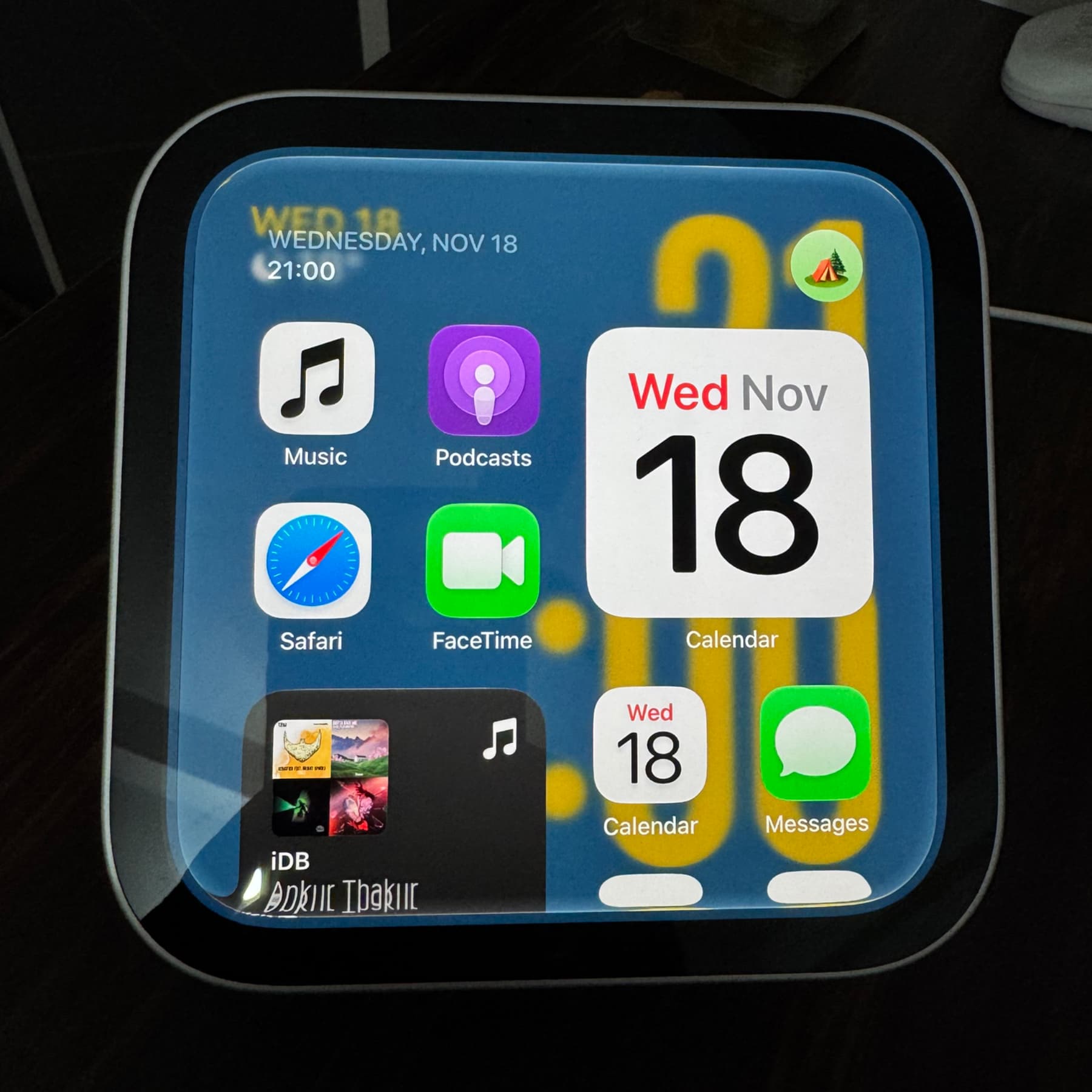
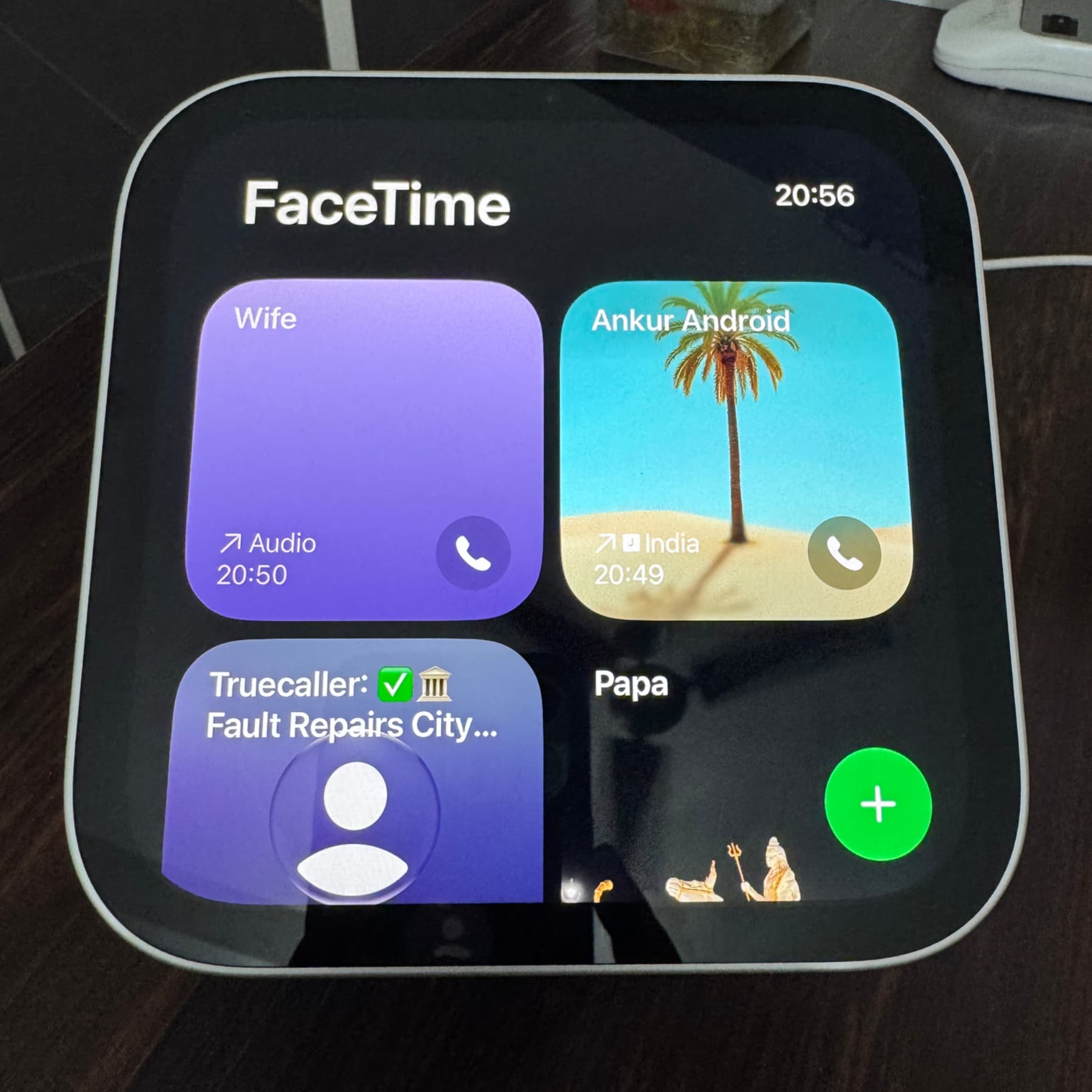
To make calls through the FaceTime app, set up HomeView with your iPhone so both use the same Apple Account, and enable Personal Content. The iPhone must be on the same Wi-Fi network as HomeView, with Bluetooth turned on.
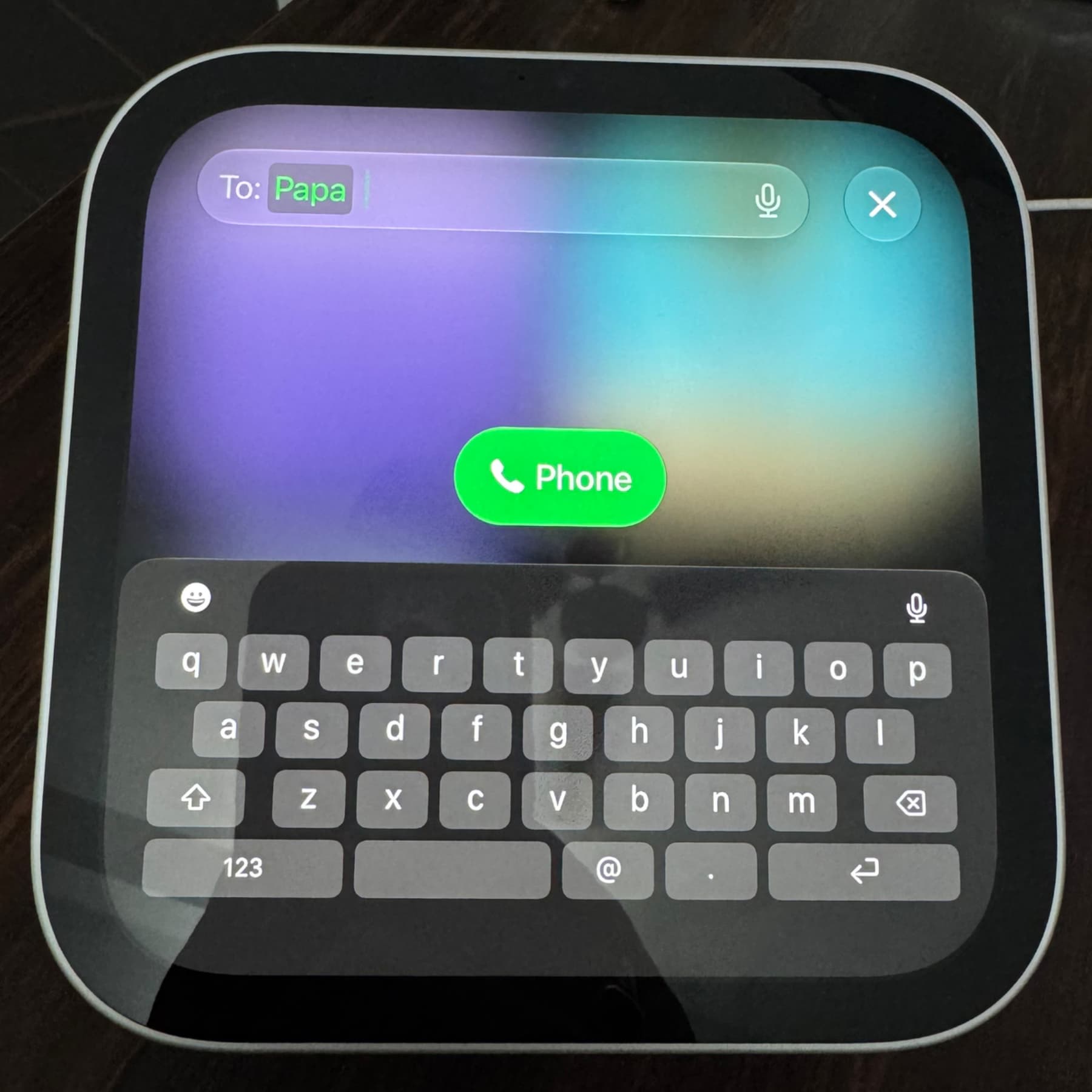
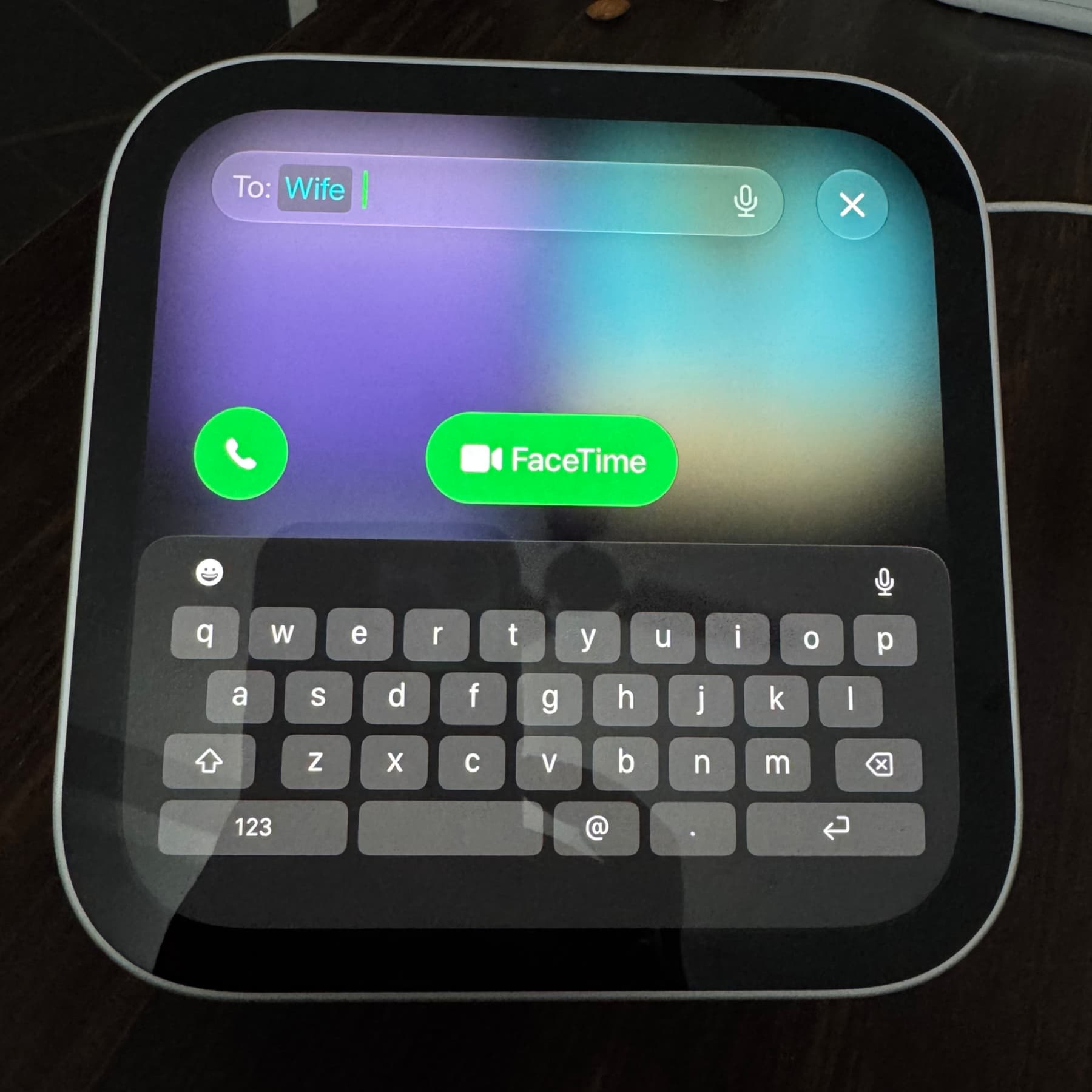
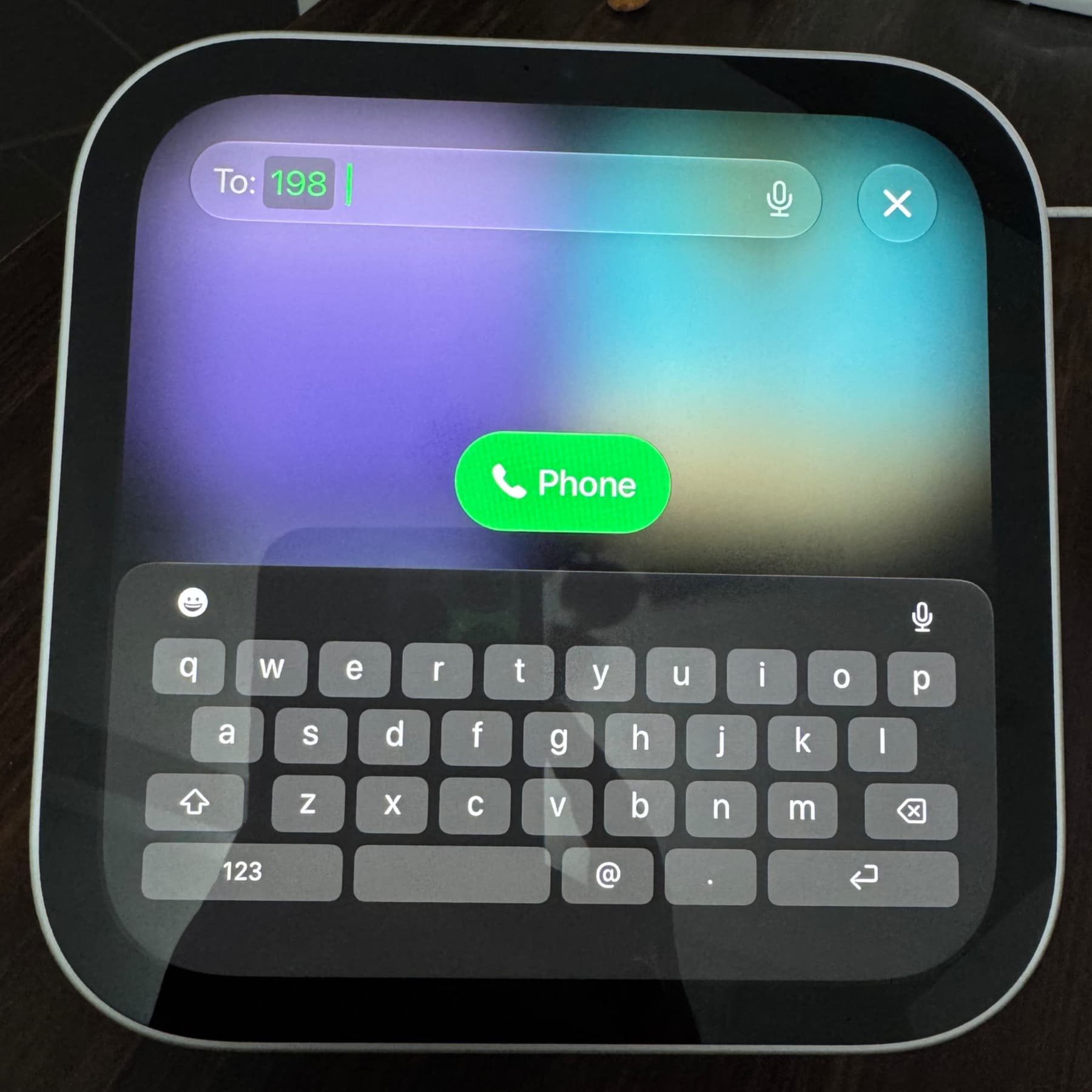
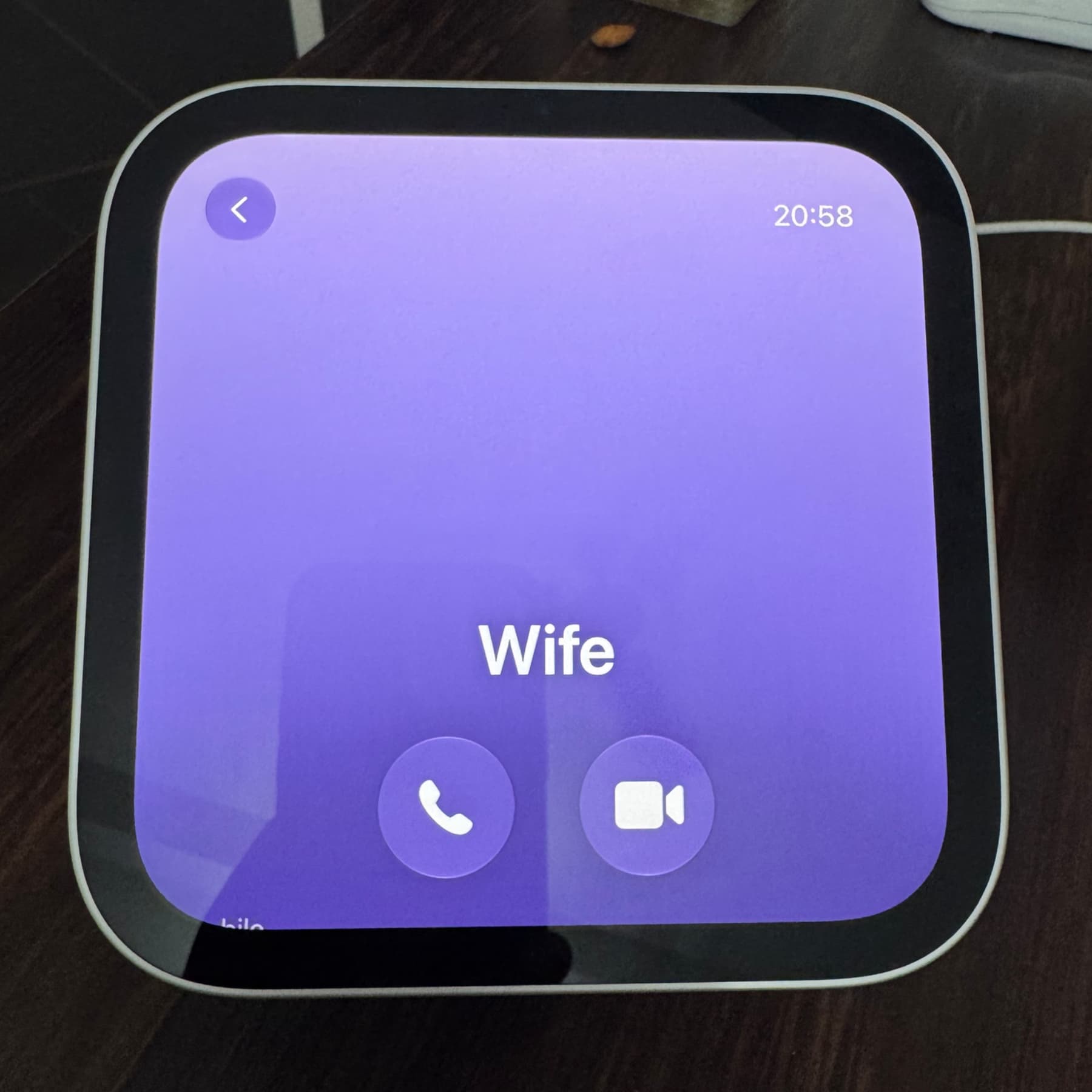
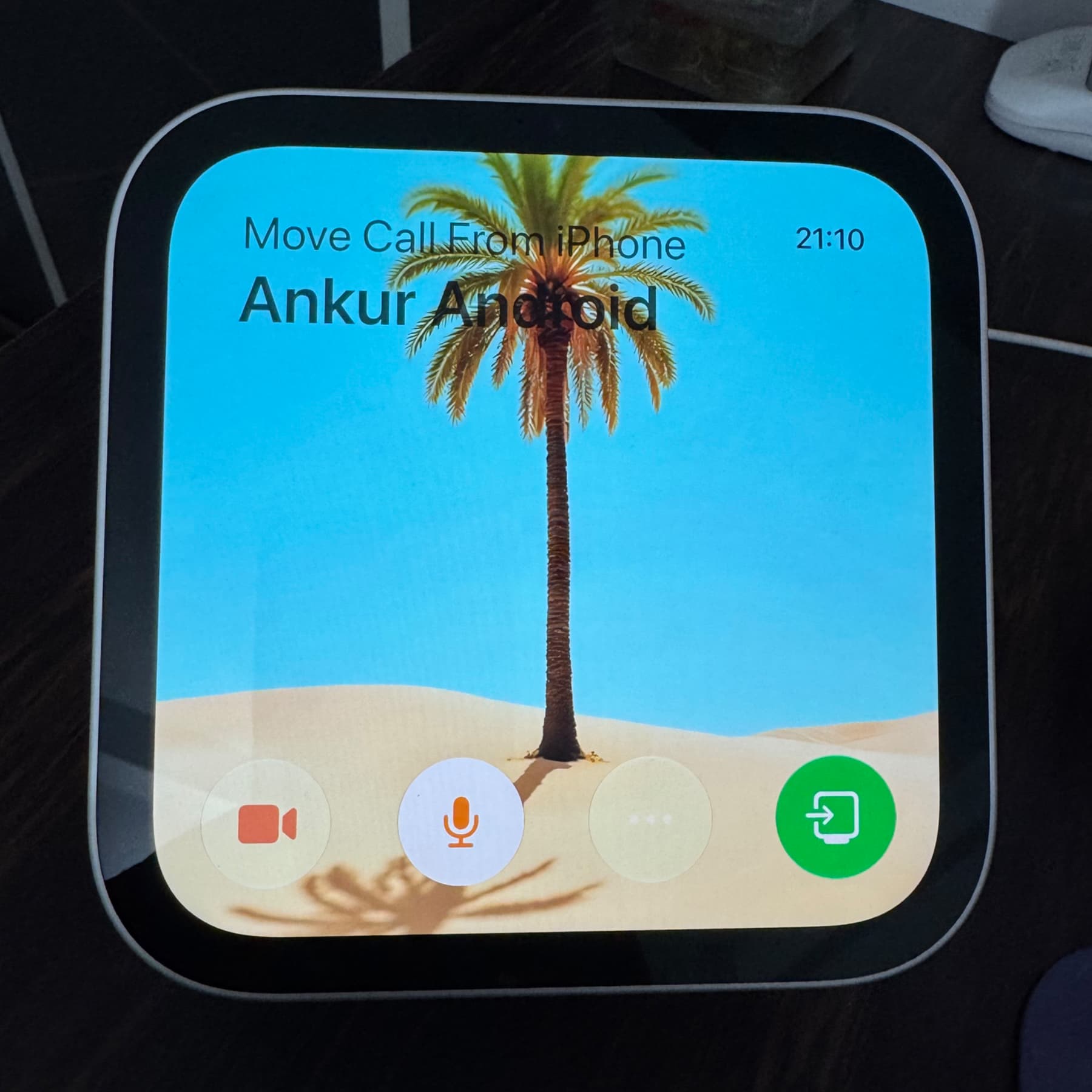
Open FaceTime on HomeView to call an entry shown in Recents. For another contact, tap the green plus button, search for their name and select the appropriate calling option. To call a number that is not saved in Contacts, enter it in the search bar, tap the curved arrow on the keyboard, then tap the Phone icon. You can also ask Siri to place a call. To move a call already in progress on your iPhone, hold the phone near HomeView and tap the green transfer button.
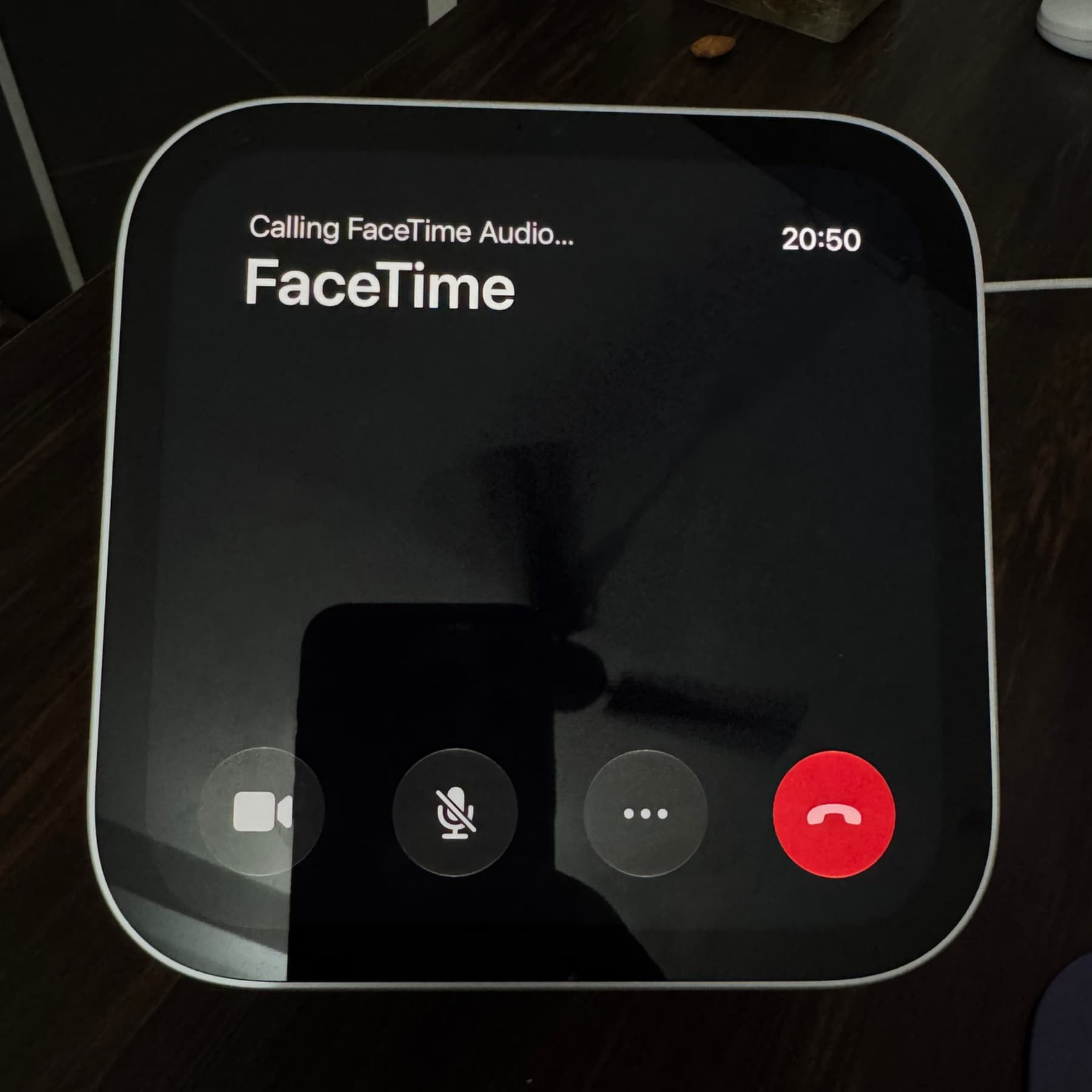

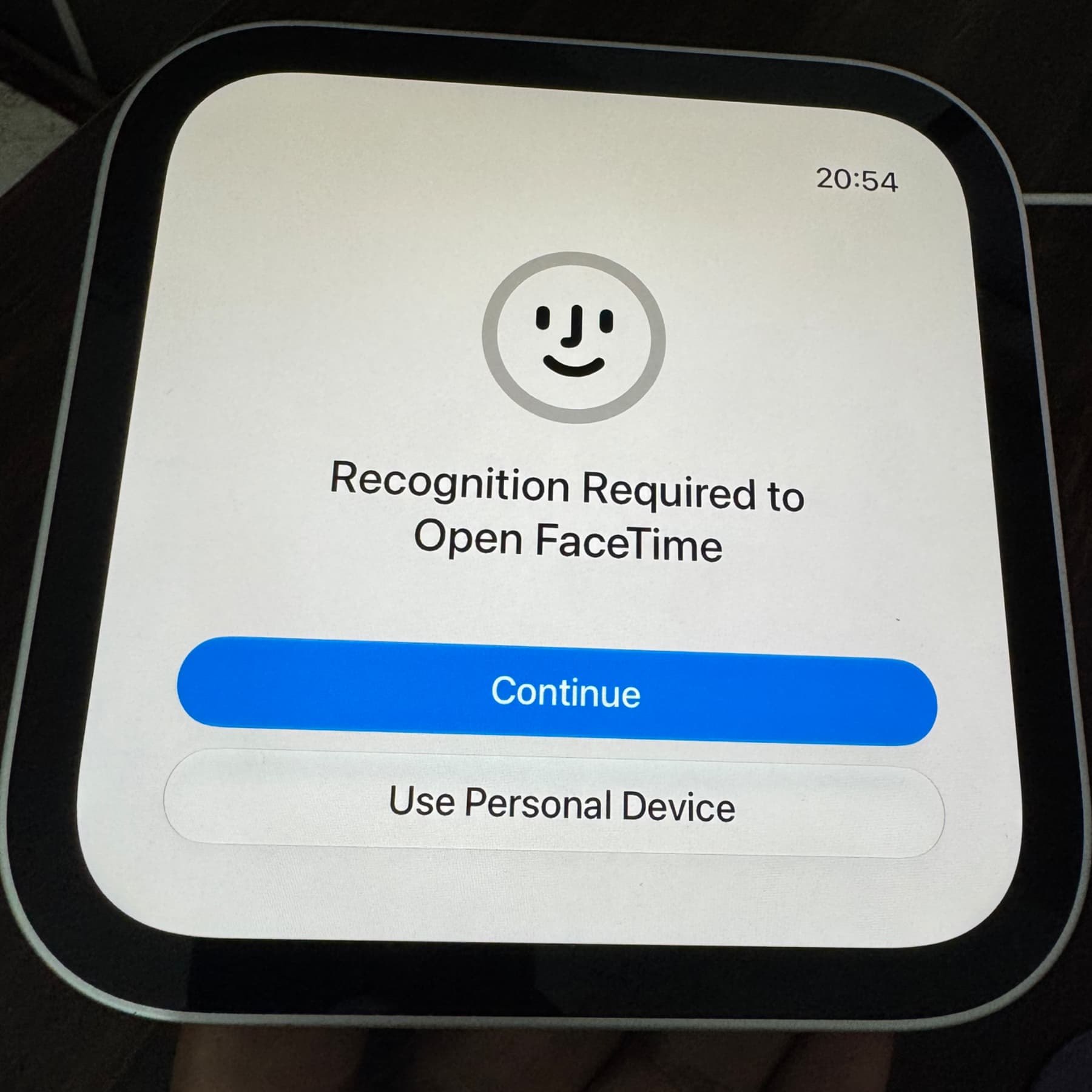
The report’s author encountered several limitations during five days of use. Some recent iPhone calls did not appear on HomeView; calls to contacts with FaceTime appeared to use FaceTime audio rather than offering a regular cellular-call choice; and deleting a recent call required using the iPhone, with changes not always appearing immediately. The author also reported occasional failed or dropped calls and a FaceTime audio screen whose hang-up button took about five seconds to become usable. These are observations from that hands-on test, not a confirmed list of issues affecting every HomeView.