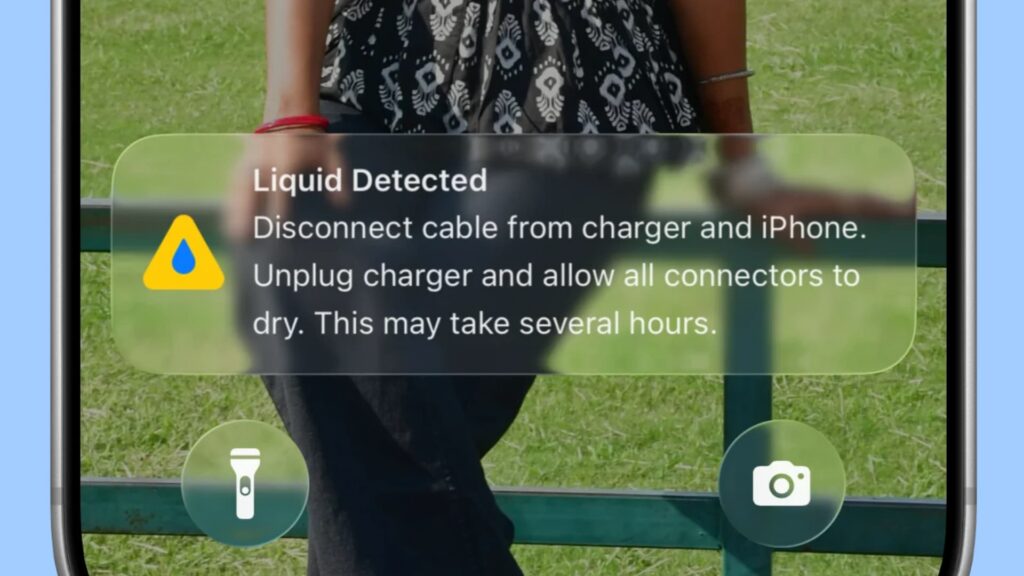
If an iPhone shows a “Liquid Detected” or “Charging Not Available” alert, disconnect the cable or accessory. The warning means the phone has detected liquid in its USB-C or Lightning connector and has blocked the connection to help prevent damage.
Let the port dry before trying again. Wipe the phone with a dry cloth, hold it with the charging port facing down, and gently tap it against your palm. Leave it in an area with airflow for at least 30 minutes, then try reconnecting the cable. If the alert returns, disconnect it and allow several more hours for the port to dry. The process may take up to 24 hours.
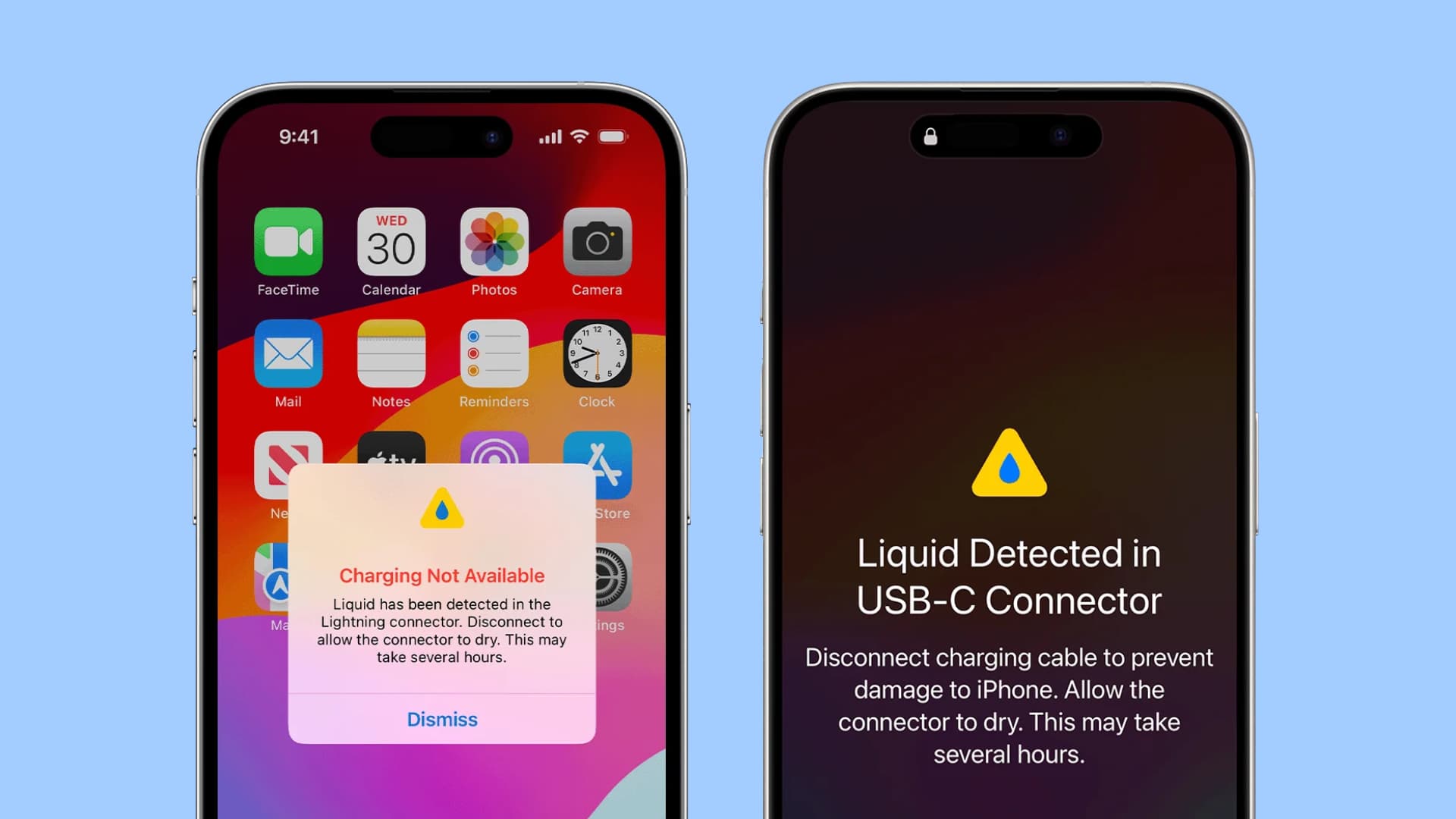
Do not put cotton swabs or other objects into the port, use a hair dryer or compressed air, or put the phone in rice. Apple advises against external heat and compressed air; rice particles could also get into the phone.
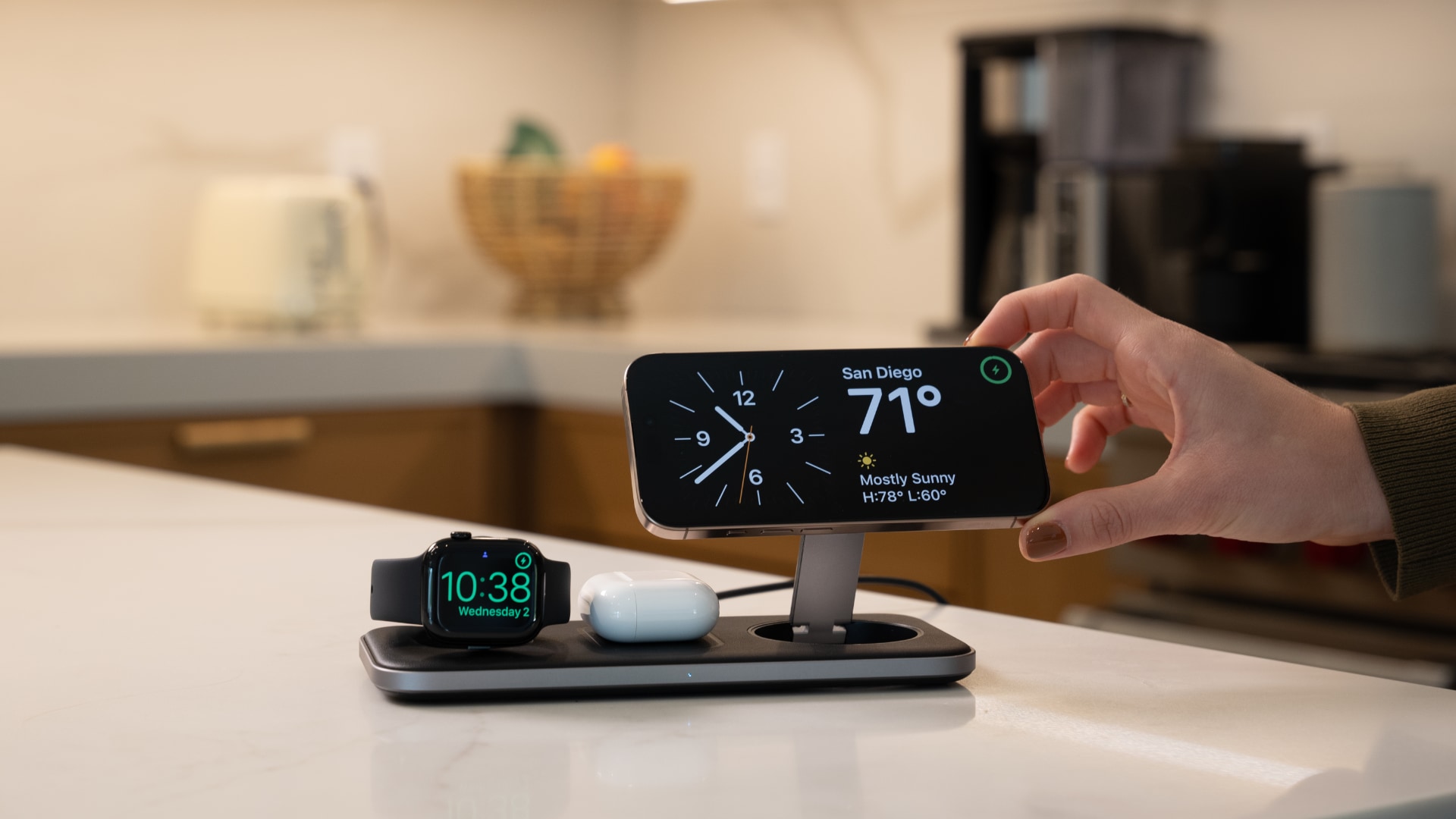
If charging cannot wait, wireless charging is an option after drying the back of the iPhone. Apple also allows users to override liquid detection for wired charging in an emergency, but connecting a cable while the port is wet risks damage.
In an October 31, 2026 account of the issue, the writer said an iPhone 16 exposed to seawater at a beach resumed charging after a couple of hours of drying, despite a repair recommendation from an Apple-authorized store. That experience does not rule out later corrosion: saltwater and other liquids can damage a port over time. If you are concerned about exposure or the alert persists, seek guidance from Apple Support or an Apple Store.