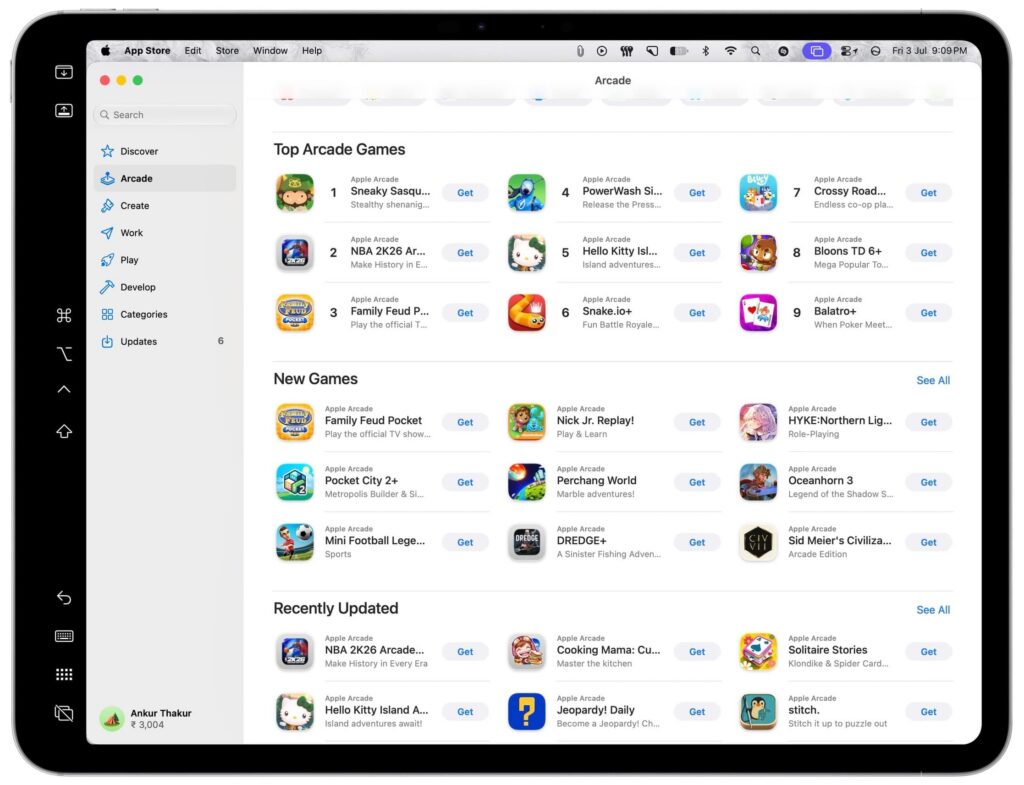
A tutorial published on November 12, 2026, describes how to disable touch input on the 2026 MacBook Pro running macOS 27 Golden Gate.
Open System Settings → Accessibility → Touch, then turn on Ignore Touch Gestures. To restore touch input, return to the same setting and turn it off.
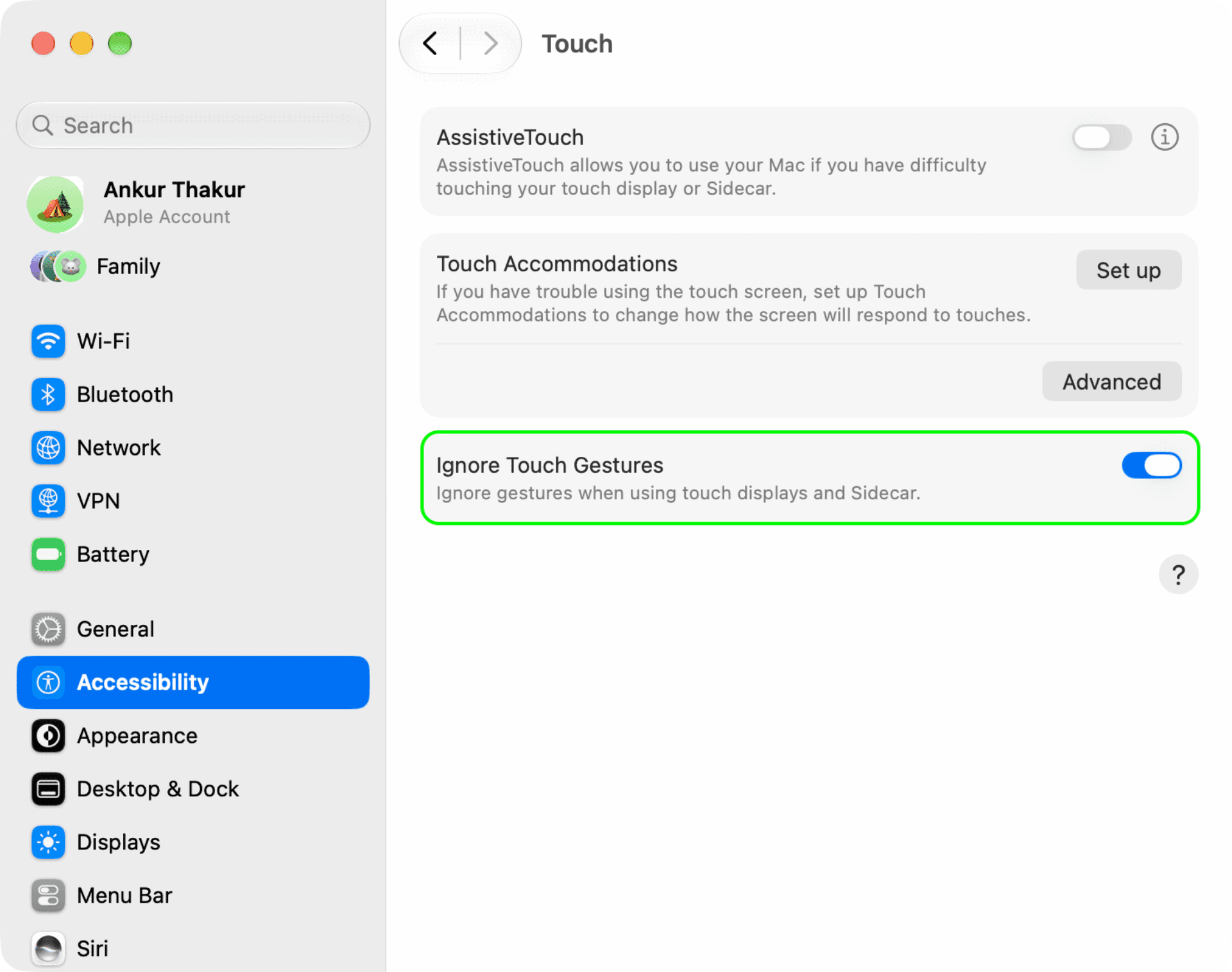
The tutorial says this setting also disables touch input on an iPad connected as a secondary display through Sidecar. You can still move the Mac pointer to the iPad and control it that way.