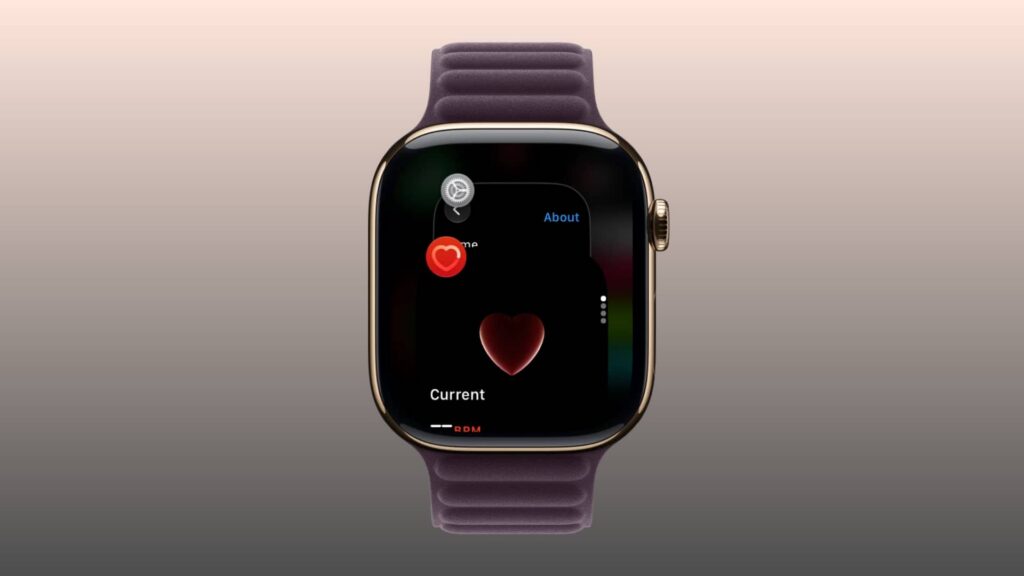
As reported on November 4, 2026, watchOS 27 changed how Apple Watch users open the App Switcher. Double-pressing the Digital Crown, the previous shortcut, no longer opens it. The report says that gesture is assigned to Live Rewind on Apple Watch Series 12 and Ultra 4; Live Rewind had arrived in the watchOS 27.3 beta at the time of reporting. On older watches running watchOS 27, the double-press does nothing.
To see recently used apps, update to watchOS 27.2 or later, then:
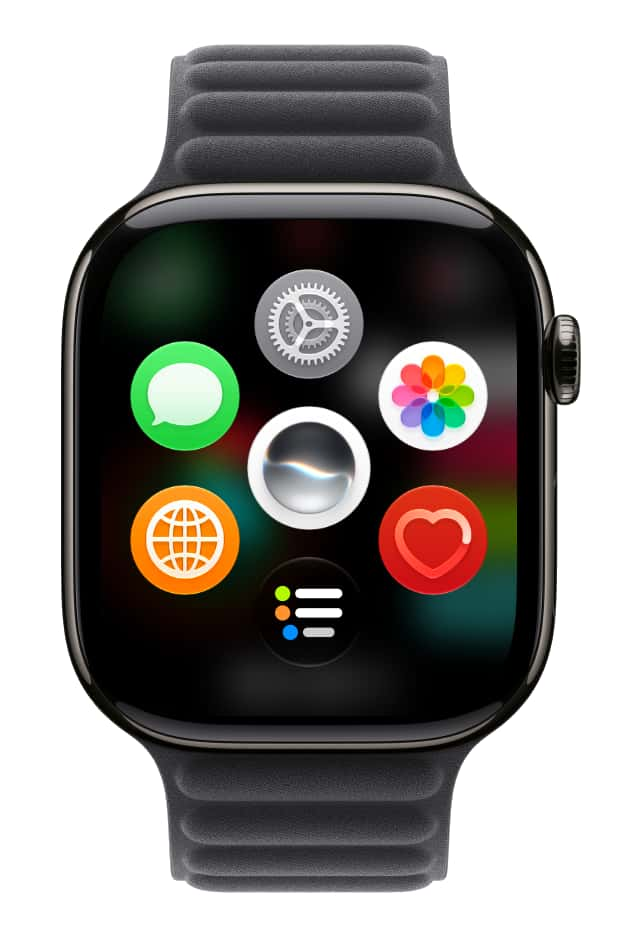
- Open an app—not the watch face or Home Screen.
- Touch and hold the bottom of the display until you feel a soft vibration.
- Swipe up or down to browse recent apps.
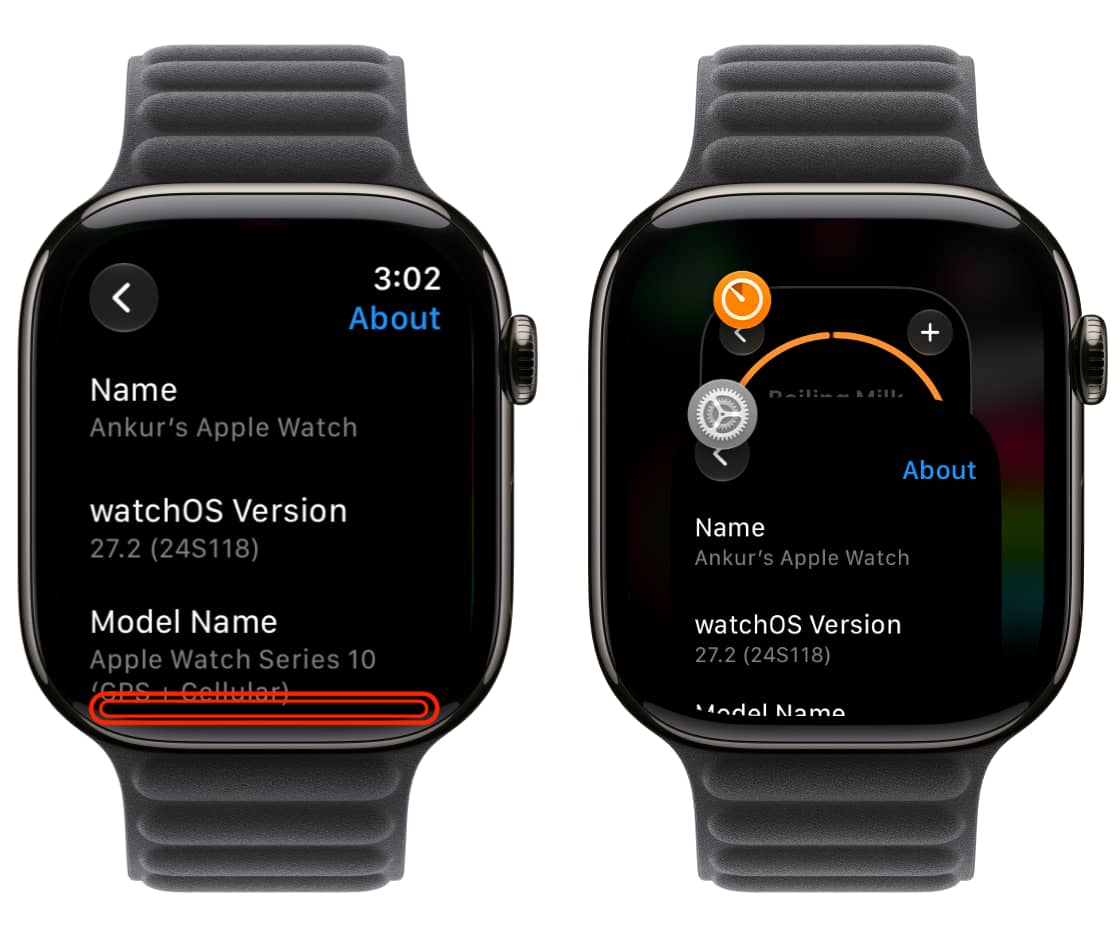
Leaving an app card selected for a couple of seconds opens that app. To quit one, swipe left on its card and tap the red X. The older force-close method using the power-off screen also remains available.
There is no need to close every recent app to save battery: the report notes that Apple has said doing so can hurt battery life.