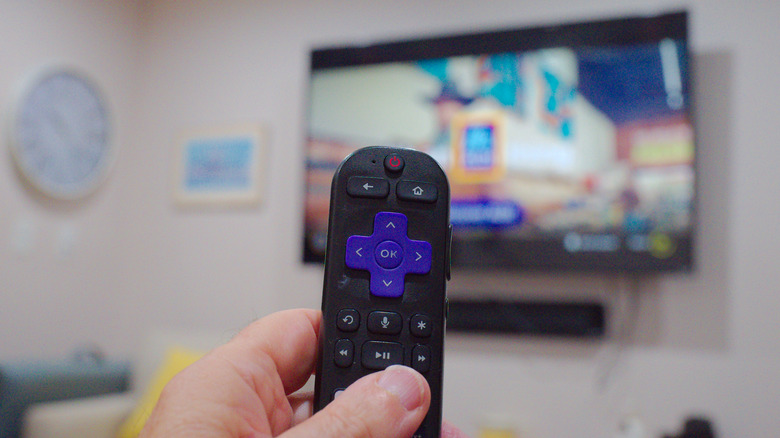
Most movies are filmed and projected at 24 frames per second (fps), while most Roku TVs default to a 60 Hz refresh rate. If your Roku TV offers automatic refresh-rate adjustment, you can let the display follow the movie’s frame rate for motion closer to what you’d see in a theater.
- From the Roku main menu, open Settings and select System.
- Go to Advanced system settings, then Advanced display settings.
- Set Auto-adjust display refresh rate to On.
This doesn’t lock the display to 24 Hz. When you switch from a 24 fps film to a TV show filmed at 30 or 60 fps, the refresh rate adjusts to match without another trip to Settings.