
MacWhisper could already tell speakers apart within a recording, but users had to assign names in every new transcript. Version 16, which developer Jordi Bruin released in late November 2026, can recognize a voice the user has named before and apply that name to a new transcript. The feature requires MacWhisper Pro, an Apple silicon Mac and on-device transcription with speaker detection enabled.

MacWhisper creates voiceprints for named speakers and compares them with voices in new recordings. When the app is confident in a match, it assigns the name automatically; otherwise, it asks the user to confirm. The transcript’s People list marks matches as “Named by voice match” so users can review and correct them. Bruin says recognition improves as users transcribe more recordings featuring the same people.

MacWhisper processes and stores voiceprints on the Mac. Under Settings > People > Voice Recognition, users can generate voiceprints from existing transcripts, delete a person’s stored voice data or turn recognition off.
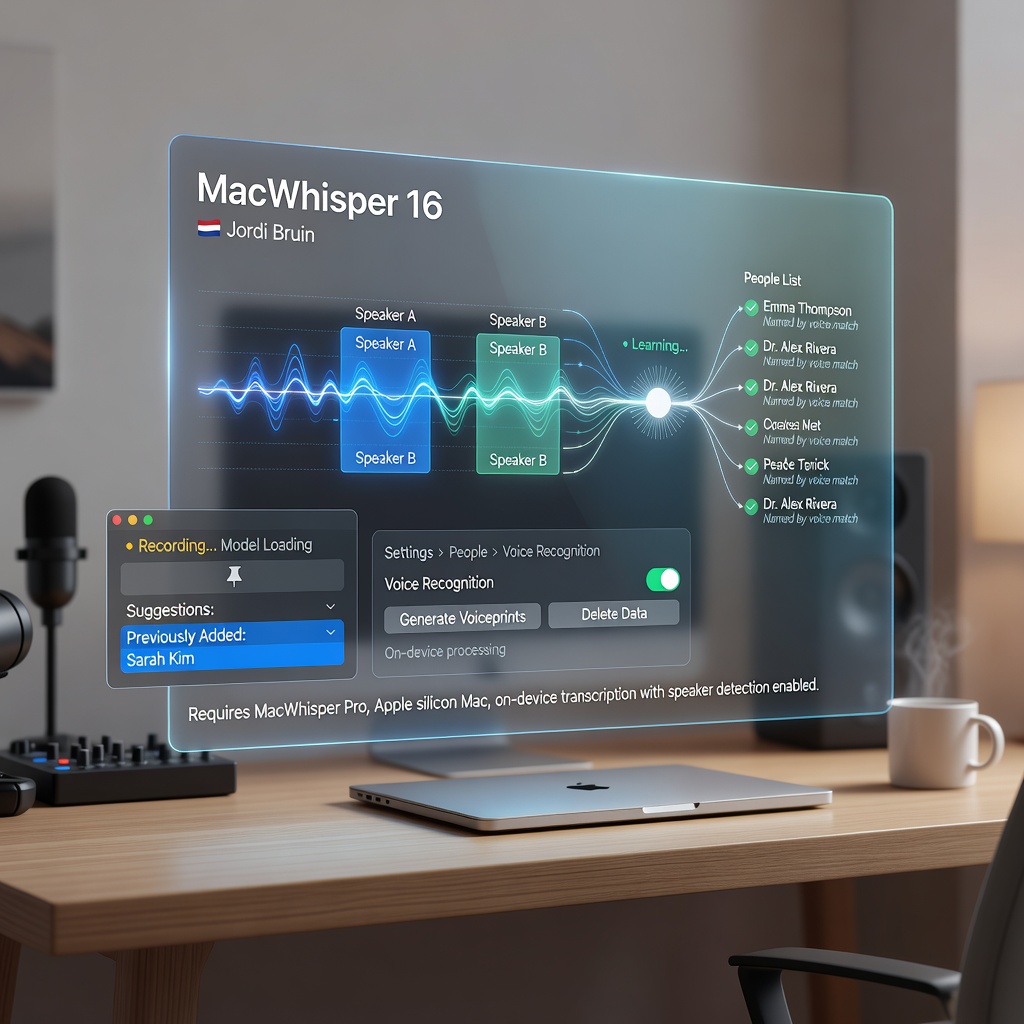
For live meetings, MacWhisper applies names from voice matches after the meeting ends. Names assigned manually during the meeting stay in place. The redesigned meeting window also suggests previously added people when a user renames a speaker. It stays above other apps by default, with a pin button to turn that behavior off, and indicates when recording has started but the transcription model is still loading.