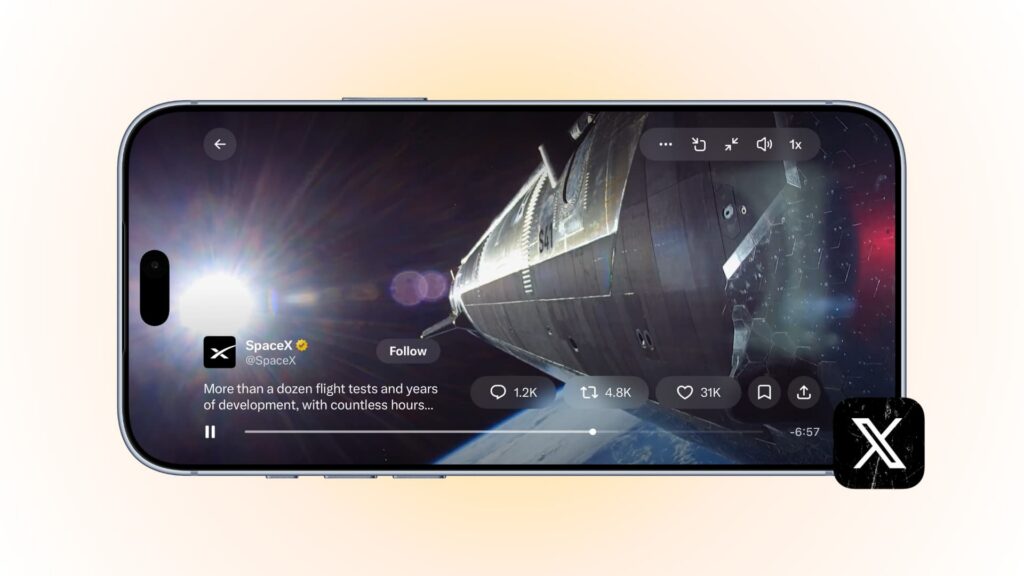
If you want to rewatch a video on X, start on the device you used to watch it. The Videos tab lists videos that are 10 minutes or longer, and the list is specific to each device. Even when you use the same X account on an iPhone and an iPad, their watch histories can differ.
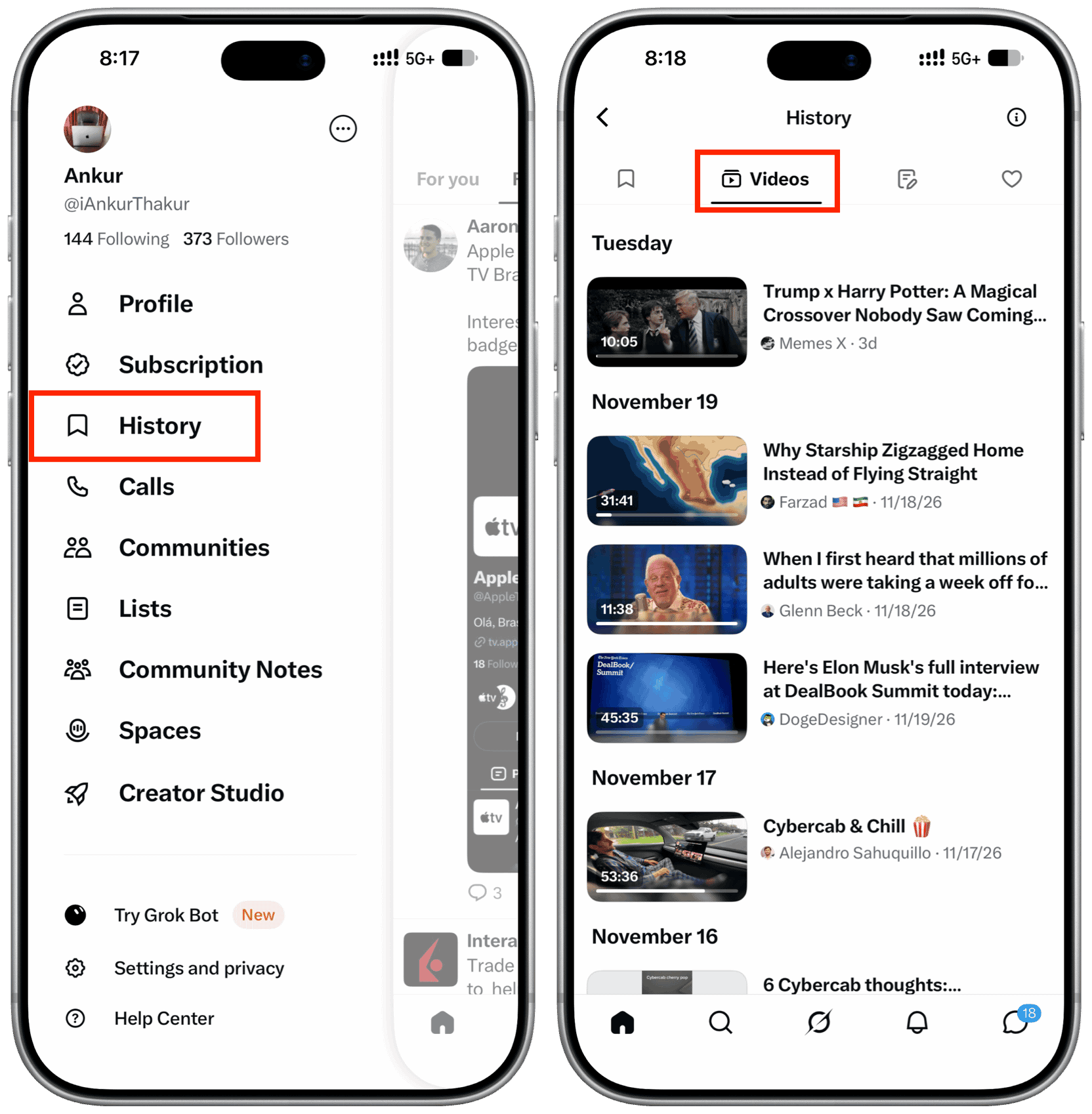
On iPhone
- Update X from the App Store, then open the app.
- Tap your profile icon in the upper-left corner and select History.
- Open Videos to find videos listed by the date you watched them.
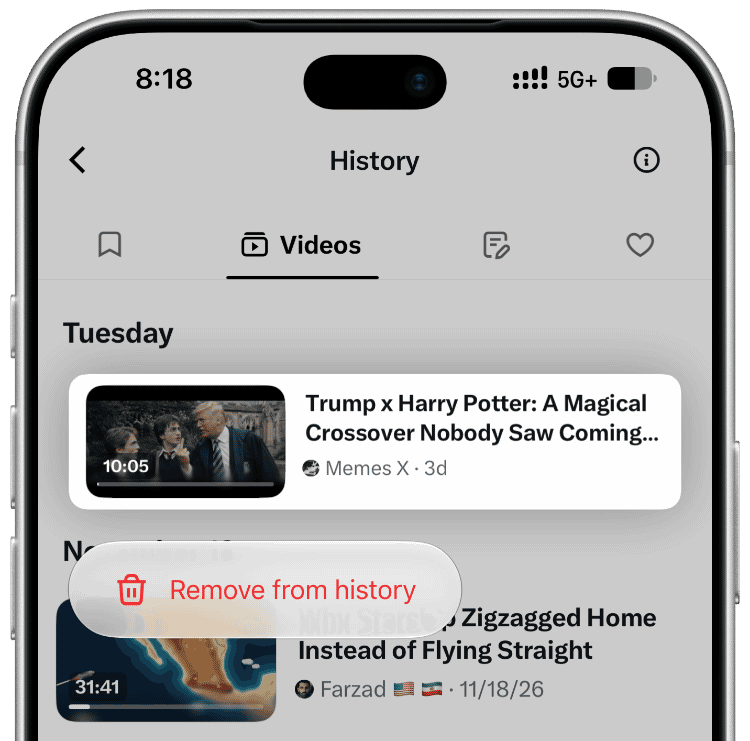
To remove a video from the list, touch and hold it, then tap Remove from history.
On iPad
- Update X from the App Store, then open the app.
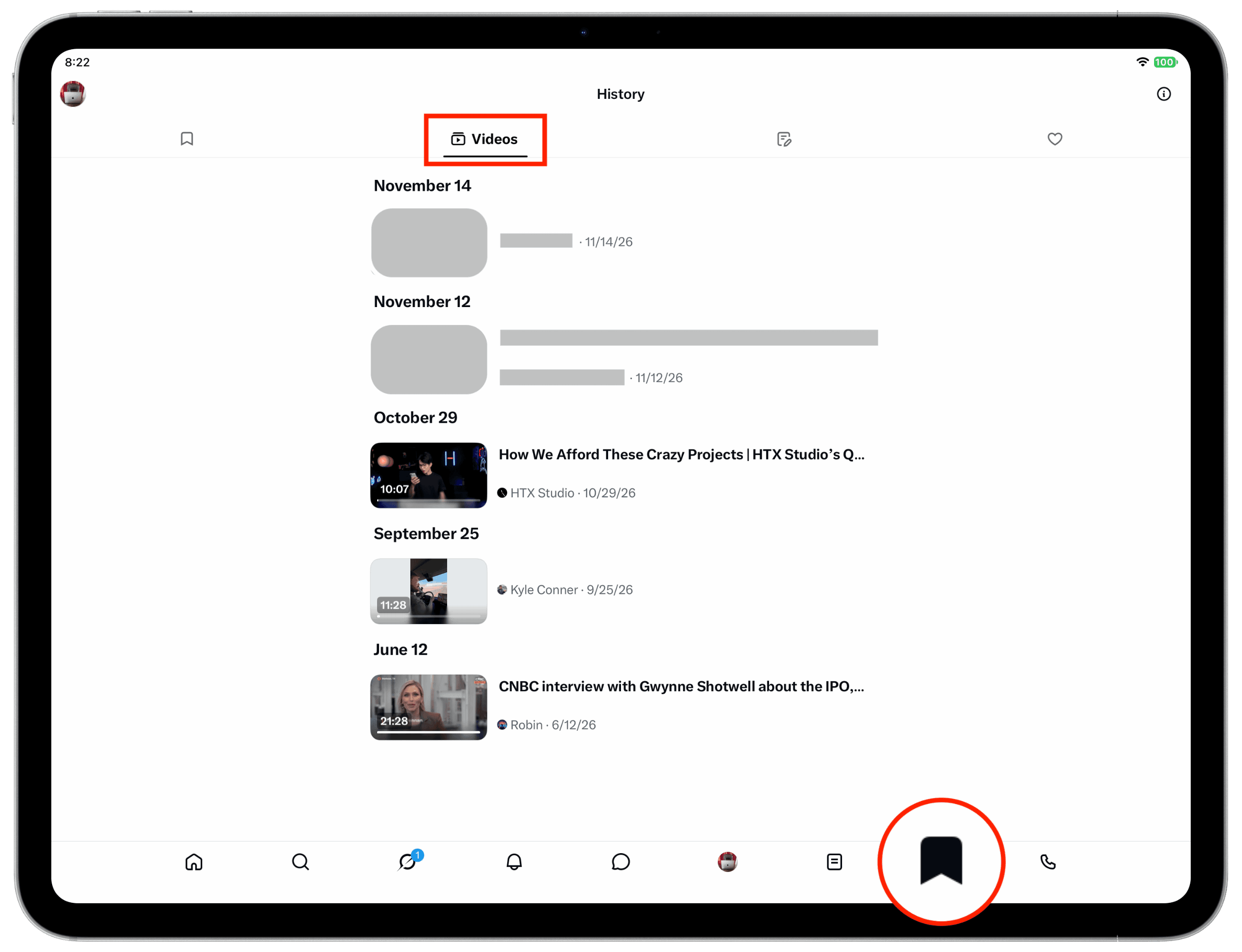
- Tap the ribbon-shaped bookmark icon in the bottom row.
- Select Videos to see the long videos you watched on that iPad.
What won’t appear
X launched video watch history in May 2026. In November 2026, iDownloadBlog found the feature on iOS and iPadOS but not in a web browser or on an Android phone using the same account. Videos watched on the web or Android were not added to the watch history.
Videos shorter than 10 minutes don’t appear in the Videos tab. To find a shorter clip again, bookmark or like it when you see it. You can then find it in History in the X app or on the website.